10 Easy Ways to Speed Up Your Computer (Ultimate Guide)

1. Delete Unused Programs/Software
Open Control Panel and navigate to “Programs”. Uninstall programs you no longer use to free up space.
2. Clean & Delete Old Files
Clean Downloads, Documents, and Desktop folders. Empty the Recycle Bin regularly.
3. Install New SSD
Upgrade your desktop’s storage by installing a new SATA SSD. This will significantly improve boot times.
4. Upgrade RAM
Consider upgrading the RAM for better multitasking and responsiveness.
5. Close Background Programs
In Task Manager, shut down any extra programs running in the background to free up resources.
6. Run Cache Cleaner Software
Remove temporary and duplicate files to free up C drive space.
7. Install Antivirus
Protect your desktop and remove performance-draining malware.
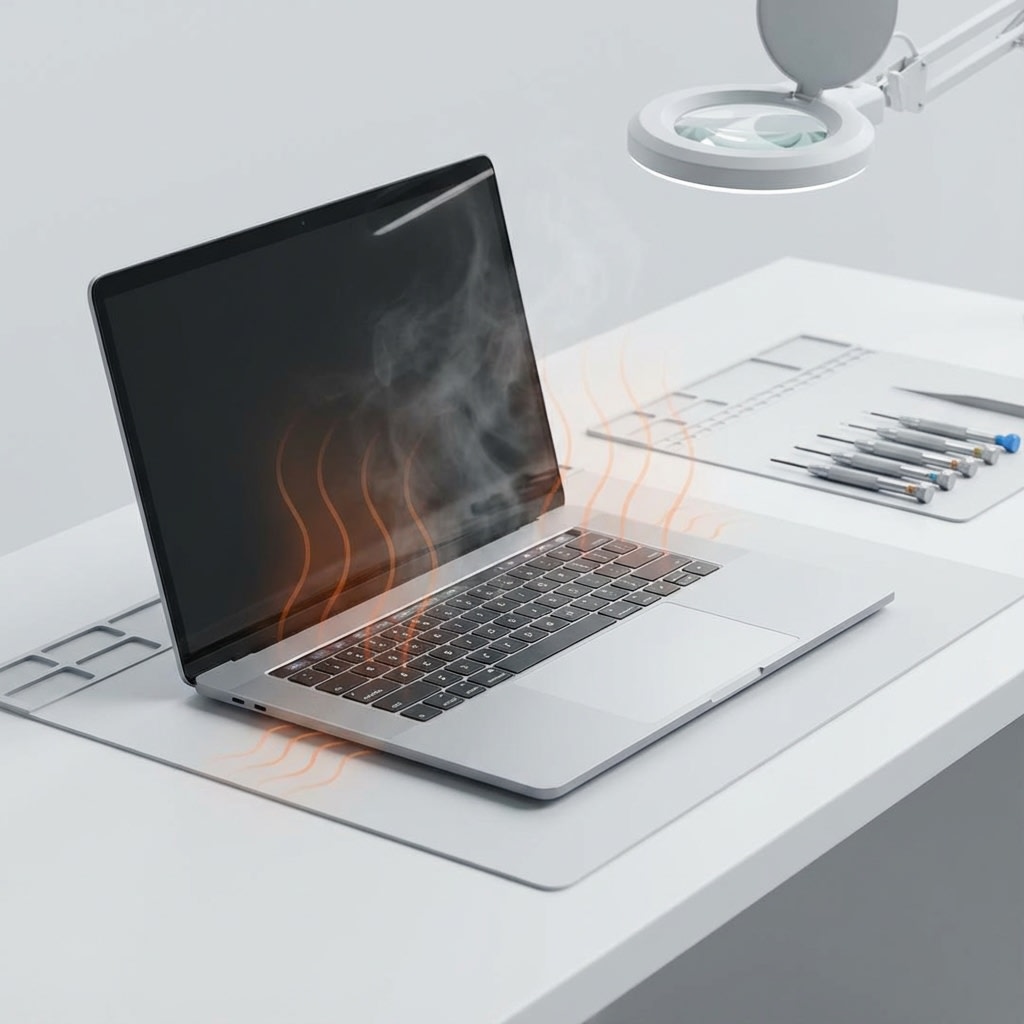
8. Check Thermal Paste & Clean Dust
Clean dust from the motherboard fan. Apply new thermal paste to the processor if overheating.
9. Check for Windows Updates
Ensure your OS is up to date to fix bugs and enhance performance.
10. Check Product Key
Ensure you are using a genuine Windows product key to avoid performance issues and access all features.