Why Does My TV Screen Go Black but the Sound Still Works?
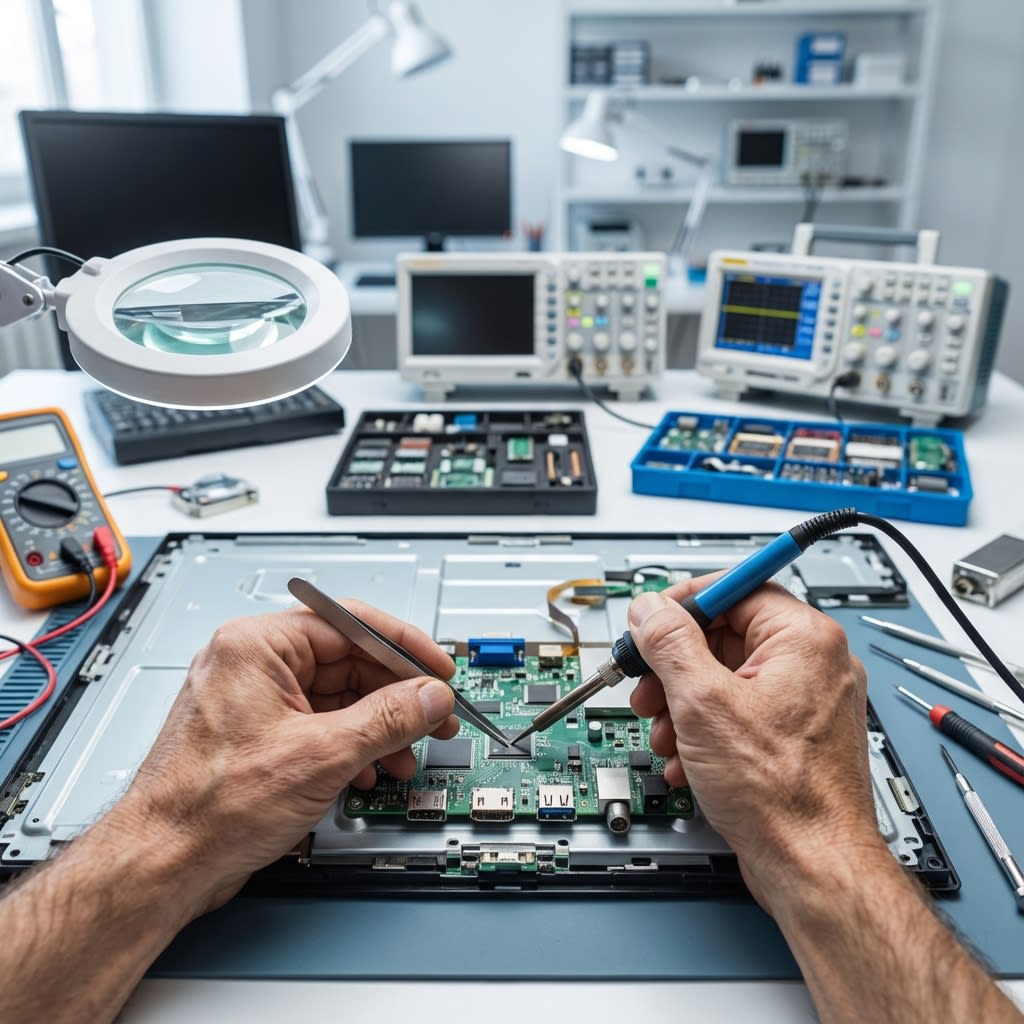
Common Causes of a Black TV Screen with Sound
Have you ever been in the middle of your favorite show when suddenly, the TV screen goes black, yet you can still hear the characters talking? It can be quite puzzling! This issue could arise from several factors:
- Power Supply: Issues with the power board or cables.
- Panel Problem: The LCD/LED panel itself might be faulty, though backlights are more common.
- Input Settings: Incorrect input source or loose HDMI cables.
- Software Glitches: Sometimes a simple reboot fixes it.
How to Troubleshoot a Black TV Screen at Home
Soft Reset
Unplug the TV from the wall for 60 seconds, then plug it back in.
Check the Remote
Ensure batteries are working and you haven't accidentally turned off the screen (some TVs have an audio-only mode).
Examine HDMI and Other Inputs
Check for loose connections. Try a different HDMI cable or port.
Software or Firmware Issues
Check for software updates if you can see the menu. Sometimes a factory reset (if possible without screen) can solve persistent software bugs.
If these steps don't work, it's likely a hardware failure like the LED Backlight strips burning out. This requires professional repair.